
Exploration and discovery live here. ORL Makerspaces provide tools and support for hands-on projects, digital media creation, and exploring new technologies.
Each Makerspace location offers unique resources and equipment—see what’s available at specific branches below. For hours, access, or booking support, please contact your branch directly.
Questions about our Makerspaces? Email help@orl.bc.ca or call us at 1-844-649-8127.
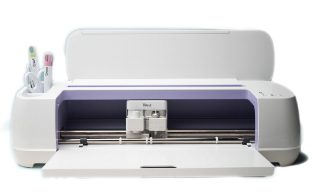
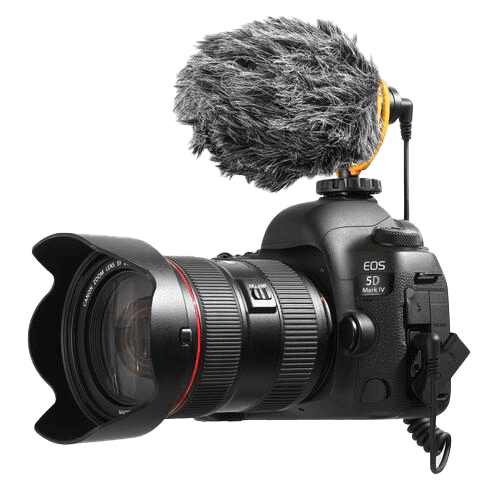
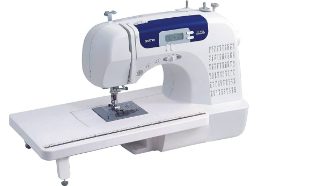
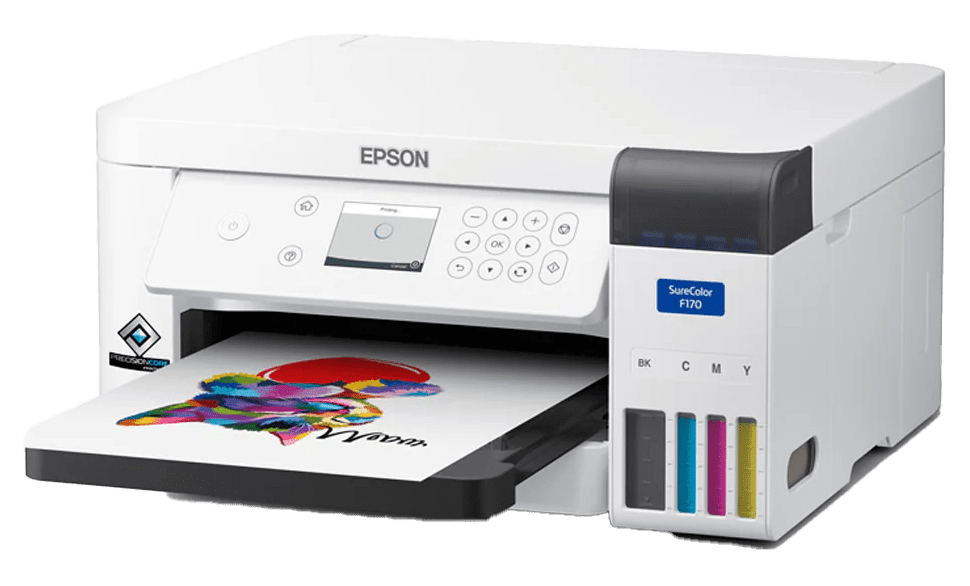
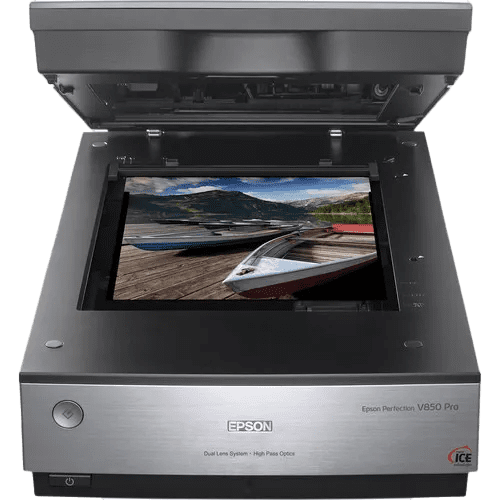
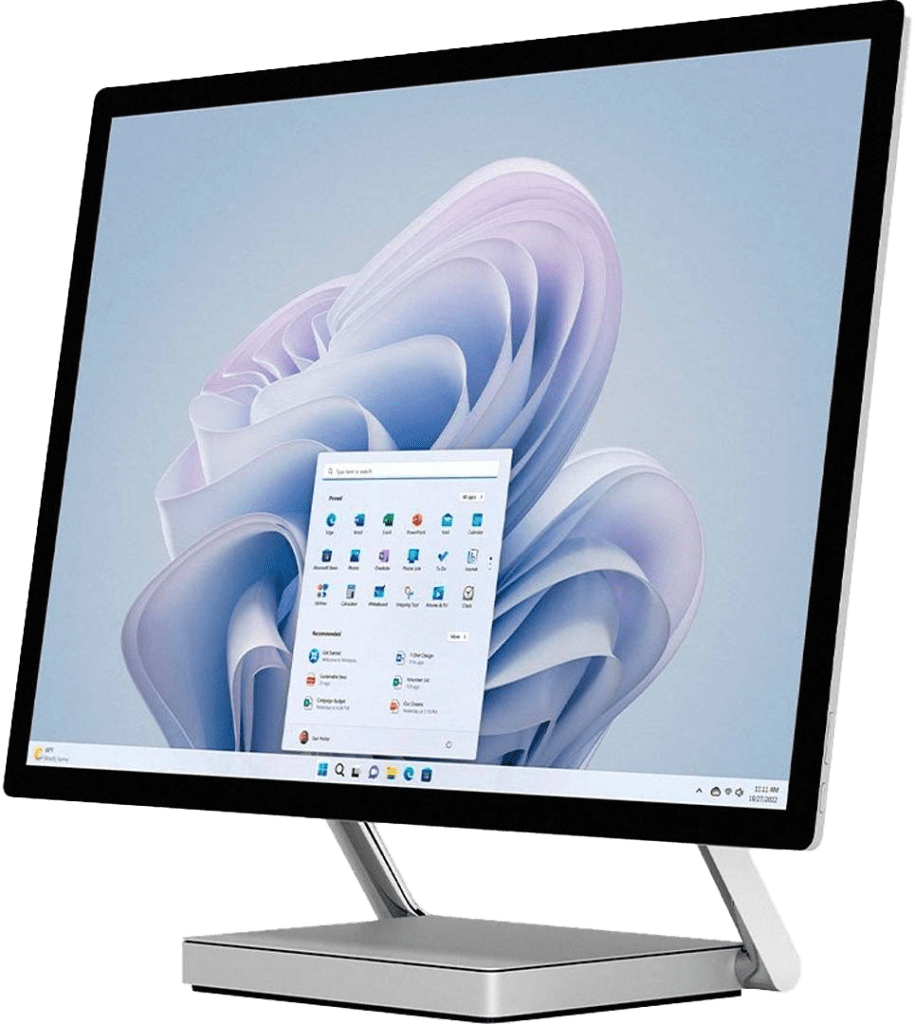
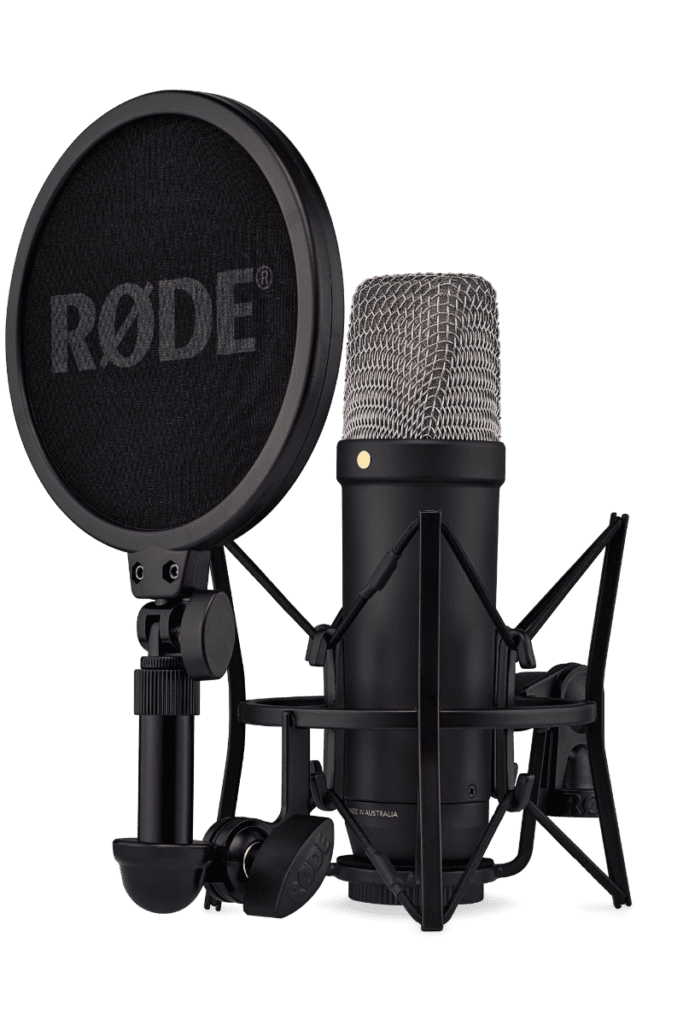
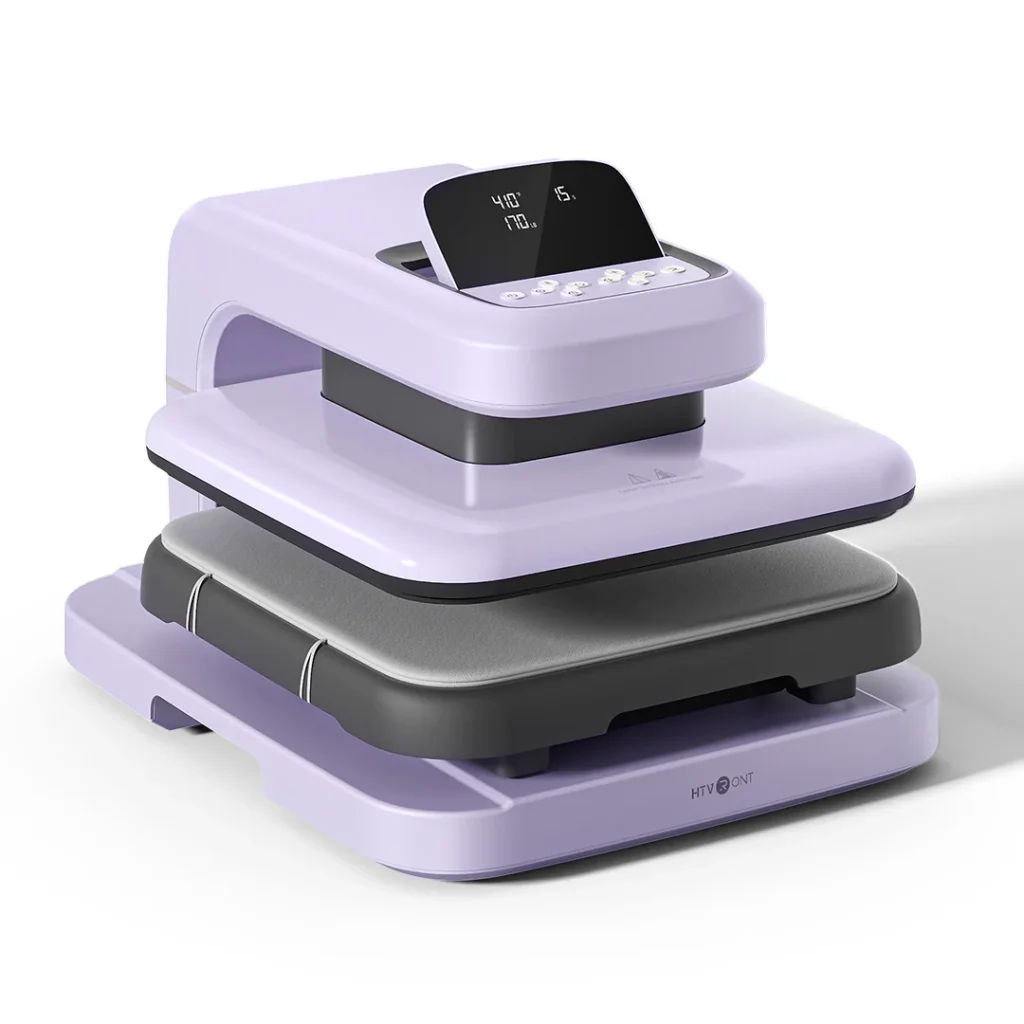
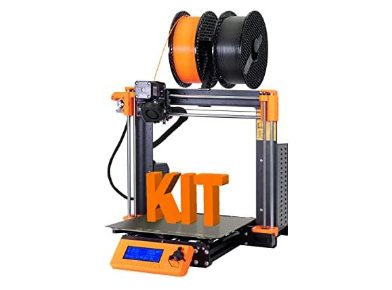
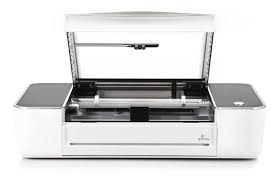
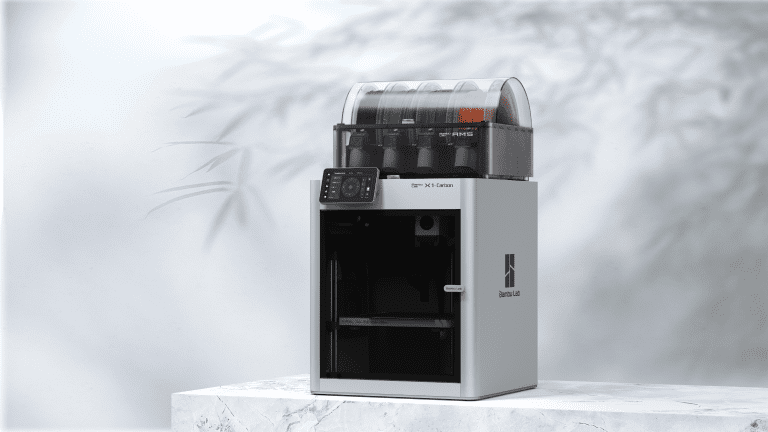
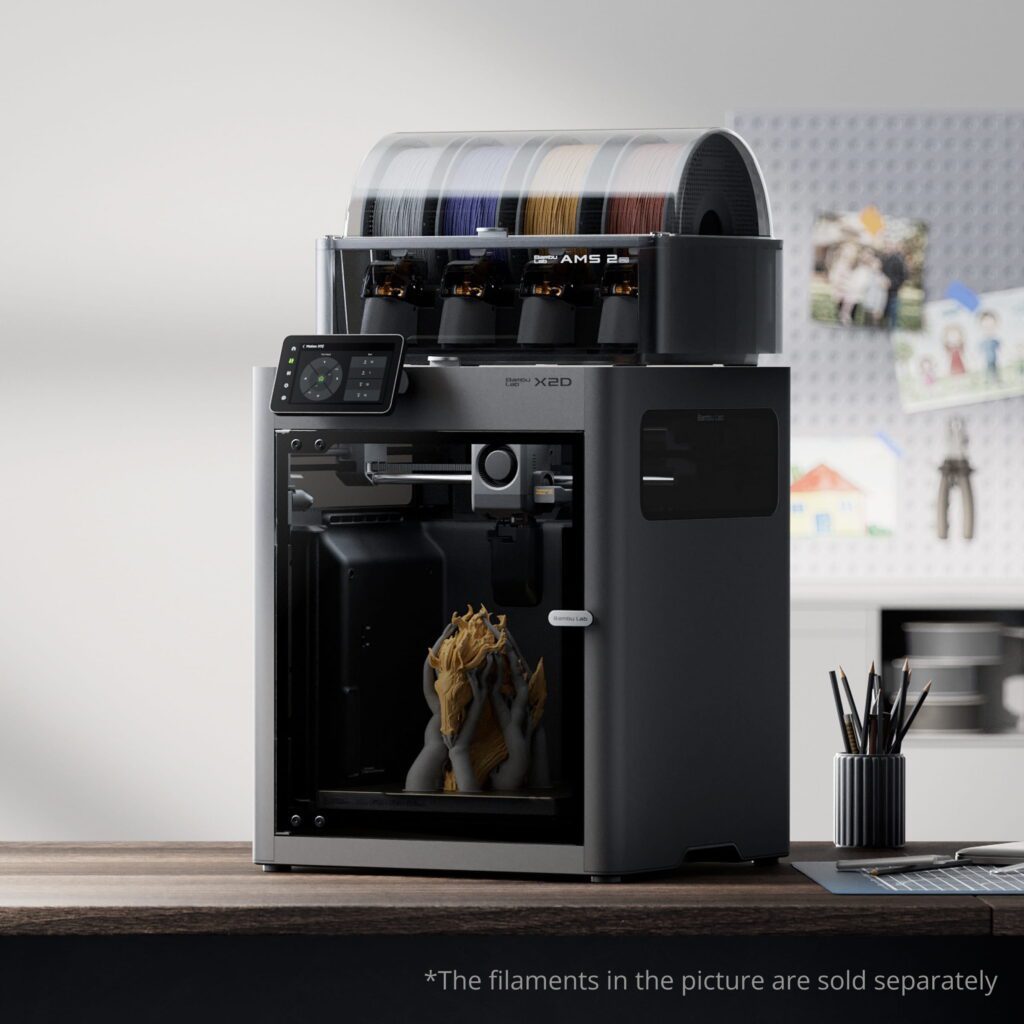
Exploring ORL Makerspaces
Curious about creative technology, design tools, or hands-on learning? Makerspaces at the Okanagan Regional Library provide access to equipment that lets you experiment, create, and build new skills. Whether you’re editing audio, designing graphics, producing custom items, or exploring new tools, our Makerspaces are where creativity and STEAM learning happen. Getting started is easy!
1. Learn the Equipment
Before using a Maker Station, you need to learn how to safely use the equipment. You can complete your training:
Online
Watch tutorials or complete certification through Niche Academy.
In Person
Check the events calendar or contact your local branch to sign up for an in-person Makerspace certification workshop.
2. Complete the Makerspace Waiver
All Makerspace users must complete the Makerspace Waiver and Guidelines form.
This confirms that you understand how the Makerspace operates and agree to follow our safety guidelines.
3. Reserve Your Maker Station
Once you’re certified and your waiver is complete, you can book equipment. Book online using the Spaces calendar to browse available Maker Stations and reserve a time.
Maker Stations can be booked up to two days in advance. For same-day or next-day bookings, please call your branch to check availability.
Who Can Use Our Makerspaces
To use Makerspace equipment independently, you must:
- Have a valid ORL library card
- Complete a Maker Waiver
- Show photo identification to staff
- Follow Makerspace safety guidelines
Age Requirements
- Under 14: A parent or guardian who is a certified ORL Maker must be present.
- Ages 14–18: A legal guardian must sign the Makerspace Waiver.
Policies and Guidelines
Before using the Makerspace, please review the following documents:
- Makerspace Guidelines
- Makerspace Safety Guide
- Maker Responsibilities
- Intellectual Property Guidelines
- Board Policy and Regulations: Internet Policy
Need a Library Card?
An ORL library card is required to use Makerspace equipment. Joining is quick and easy!
Need More Help?
Call us at 1-844-649-8127 or email help@orl.bc.ca. Please include as many details as you can about your question, account, or device. This helps us support you more quickly and accurately.
Library card expired? Reach out to your local branch or contact us online to renew—it’s quick and easy.