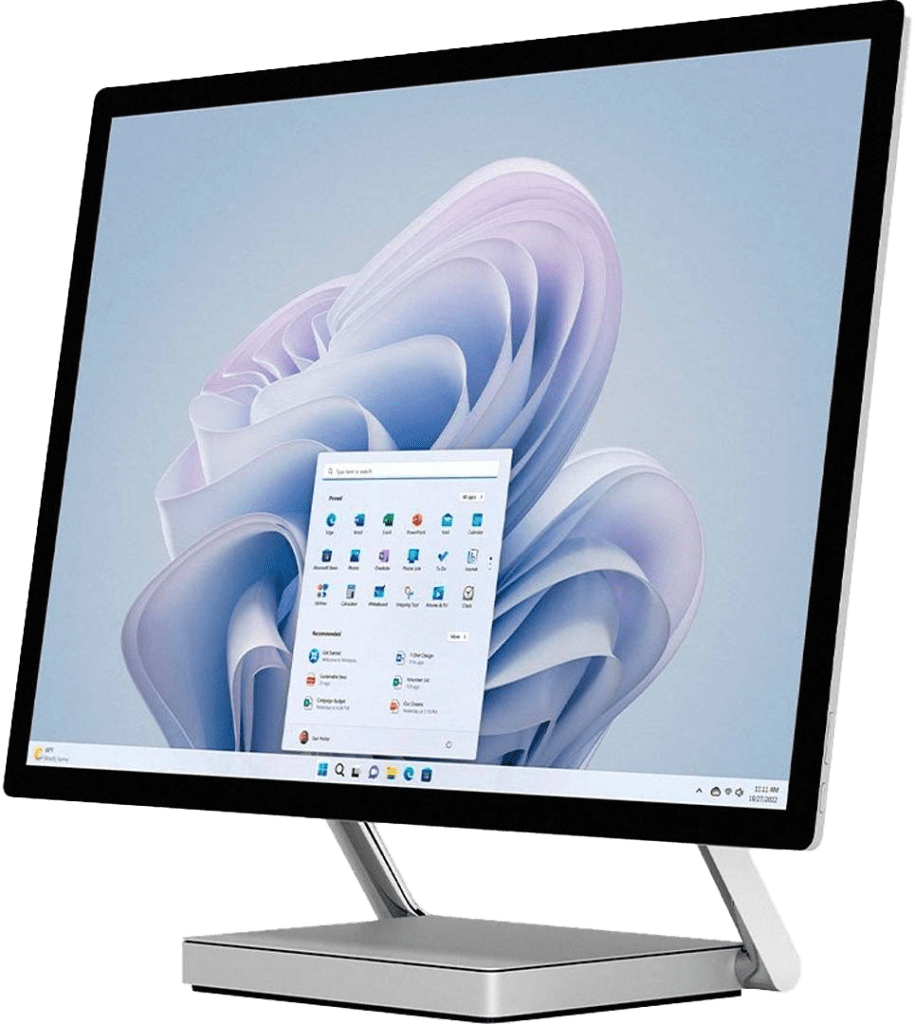
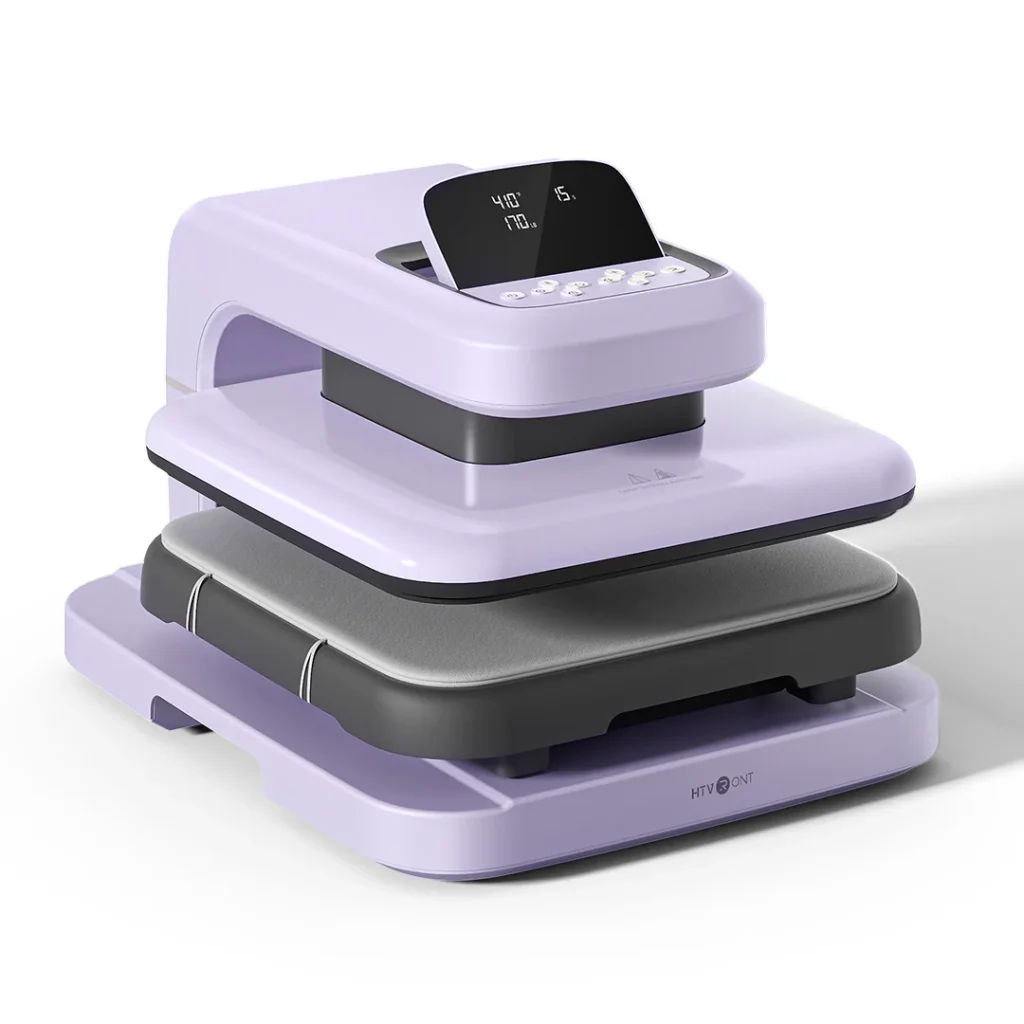
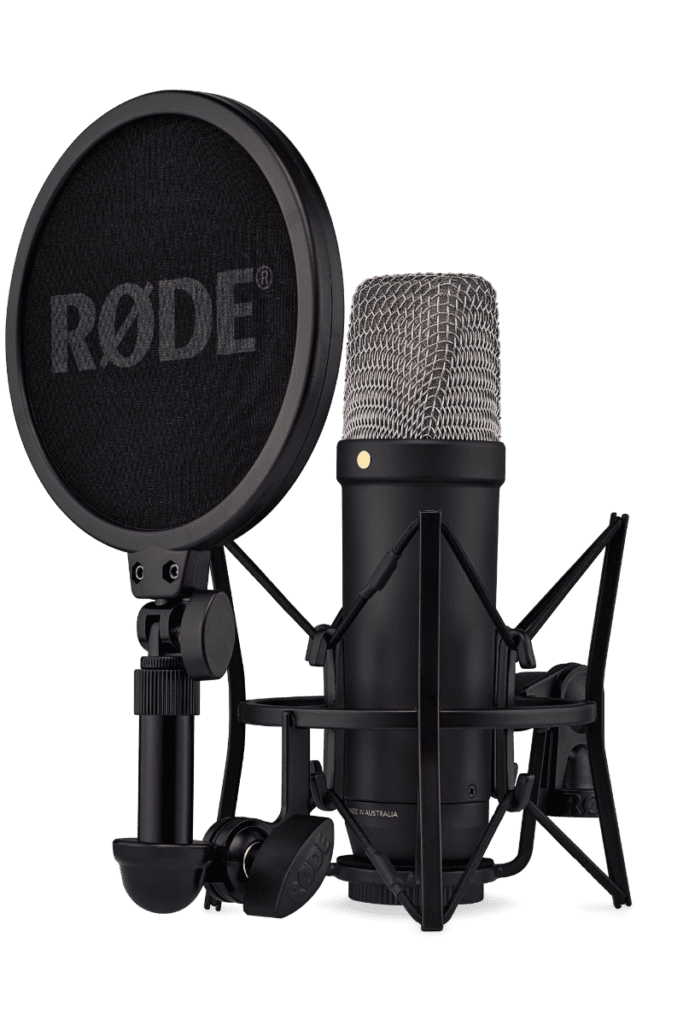
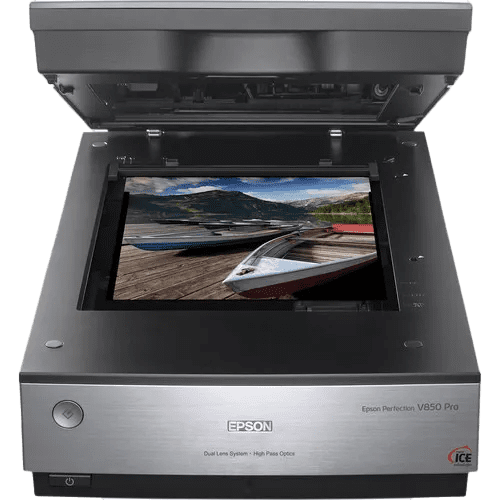
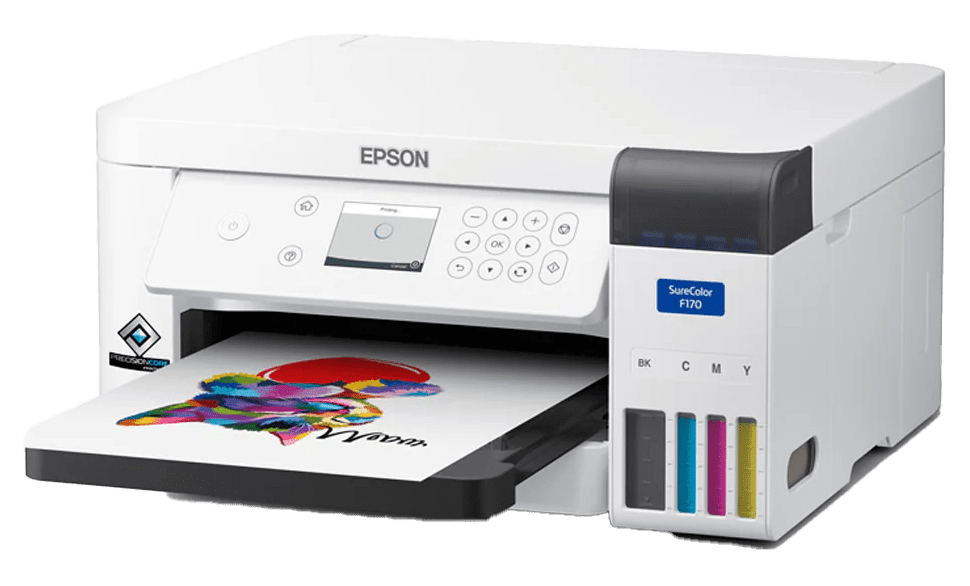
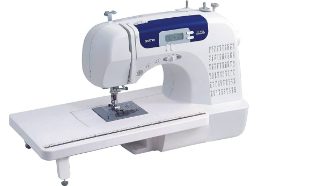
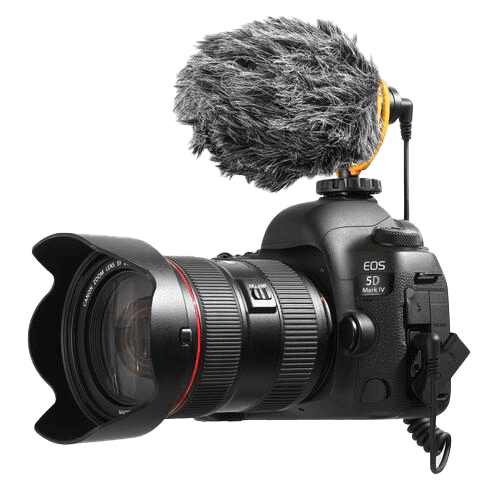
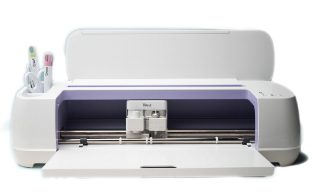
Use our dedicated computer for your digital media creations. Our creation stations come equipped with a touchscreen and stylus, and offer Adobe Creation Suite software to support your projects from graphic design, photography, audio editing, to animation. Includes:
Download the Makerspace Waiver & Guidelines form [PDF]. Complete the Maker Waiver form (page 1), agree to and follow the Makerspace Guidelines (page 2).
Book a Creation Station
Book Online: Browse and reserve maker stations on our online booking calendar, Spaces. You will be asked to create a Spaces account (and confirm your email address) to complete your first booking request.
Maker stations can be booked online two days in advance. For next day or same day bookings, please phone the library to ask if there are openings.
Please contact Golden librarydirectly to book their Creation Station.
What to brhttps://www.orl.bc.ca/hours-locations/goldening
Your own personal storage device (USB stick/thumb drive) to save your work.
Your own ear buds or headphones, if needed. Headphones are not available at the library.
Further Resources
Check our events calendar to see when we are offering digital media classes.
LinkedIn Learning for Librariesis available to all ORL library cardholders for learning video tutorials and self-guided online courses on design, creative technology and more.
Policies & Guidelines
When using an ORL Makerspace, please review and respect the following:
Independent use of Makerspace equipment requires a completed Makerspace Waiver, a valid library card, photo identification, and compliance with Makerspace policies and guidelines.