1. Complete Your Certification
To use this equipment independently, you must complete the required certification online or at your library’s Makerspace.
Online
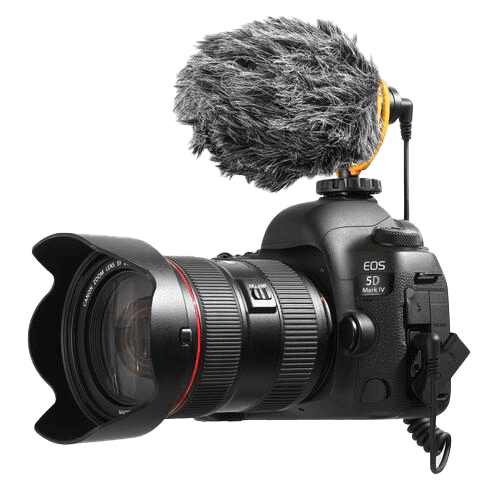
Online certification for the Video Recording Station is currently under development.
At your Library’s Makerspace
Contact your local Makerspace to arrange an in-person certification session.
2. Complete the Required Form
Download the Makerspace Waiver & Guidelines form [PDF].
Complete the Maker Waiver form and review the Makerspace Guidelines.
3. Book a Maker Station
Reserve Maker Stations through our online booking system, Spaces. You will be asked to create a Spaces account and confirm your email address when making your first booking.
Maker Stations can be booked online up to two days in advance. For next-day or same-day bookings, please contact the library to inquire about availability.
To book this Maker Station at the Golden Branch, please contact the branch directly.
4. Before You Arrive
To help your session run smoothly, please bring:
- Your library card and photo identification
- A personal storage device (USB drive) to save your work, or access to your preferred online storage service
- Your completed Maker Waiver form
- Headphones or earbuds if needed for your project
Want to build your video production skills? Your library card gives you access to LinkedIn Learning, where you can explore courses on videography, video editing, content creation, storytelling, lighting, audio recording, and creative technology.
Whether you’re filming your first project or refining your technique, you’ll find expert-led courses to help you learn at your own pace.