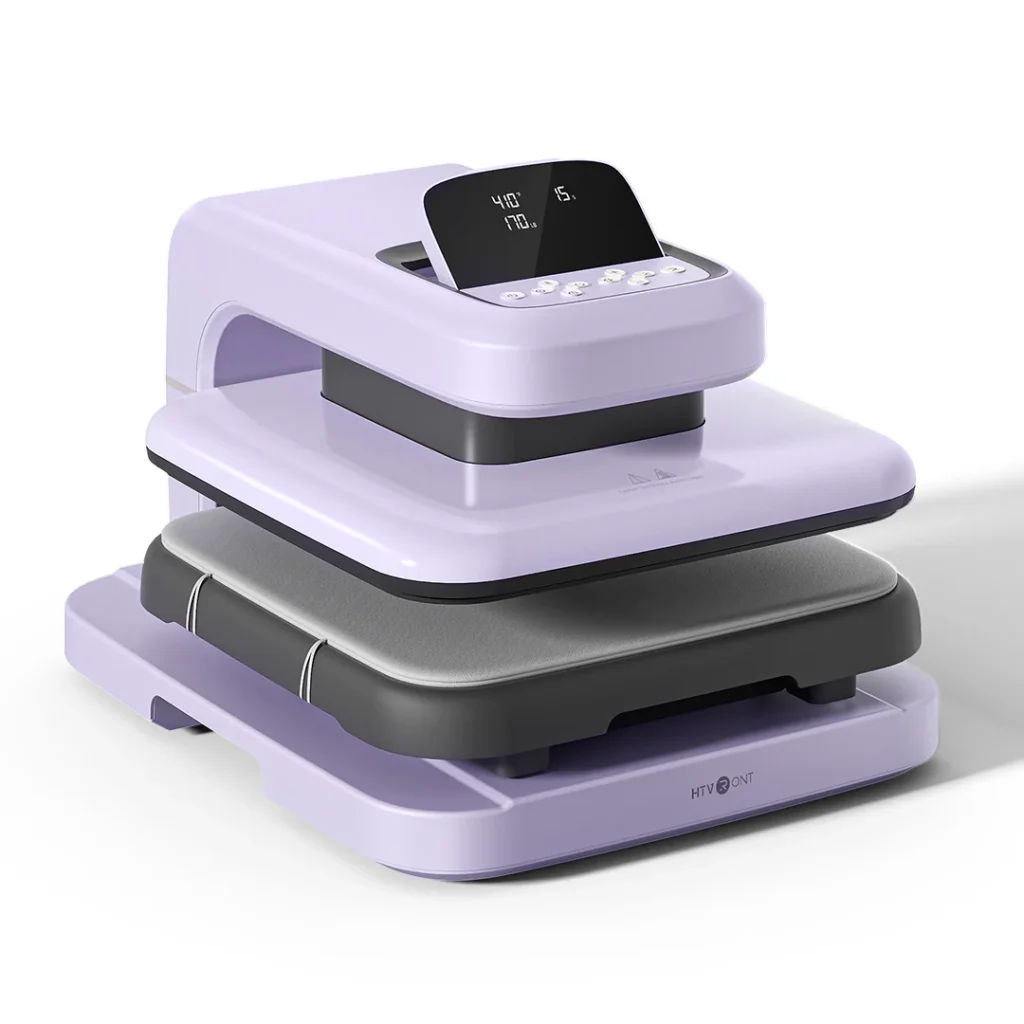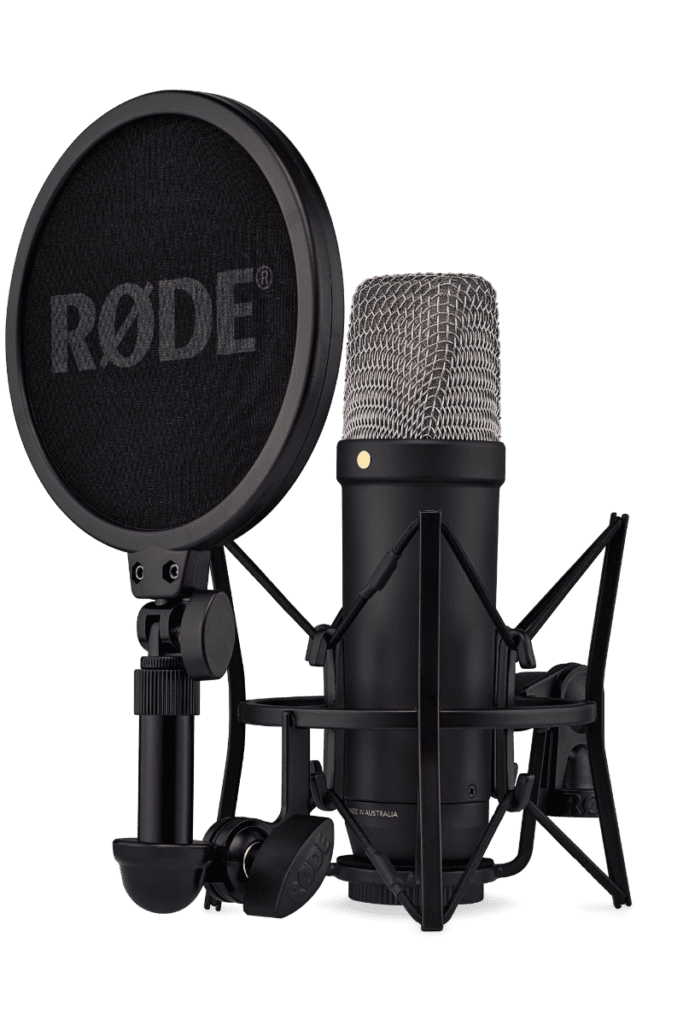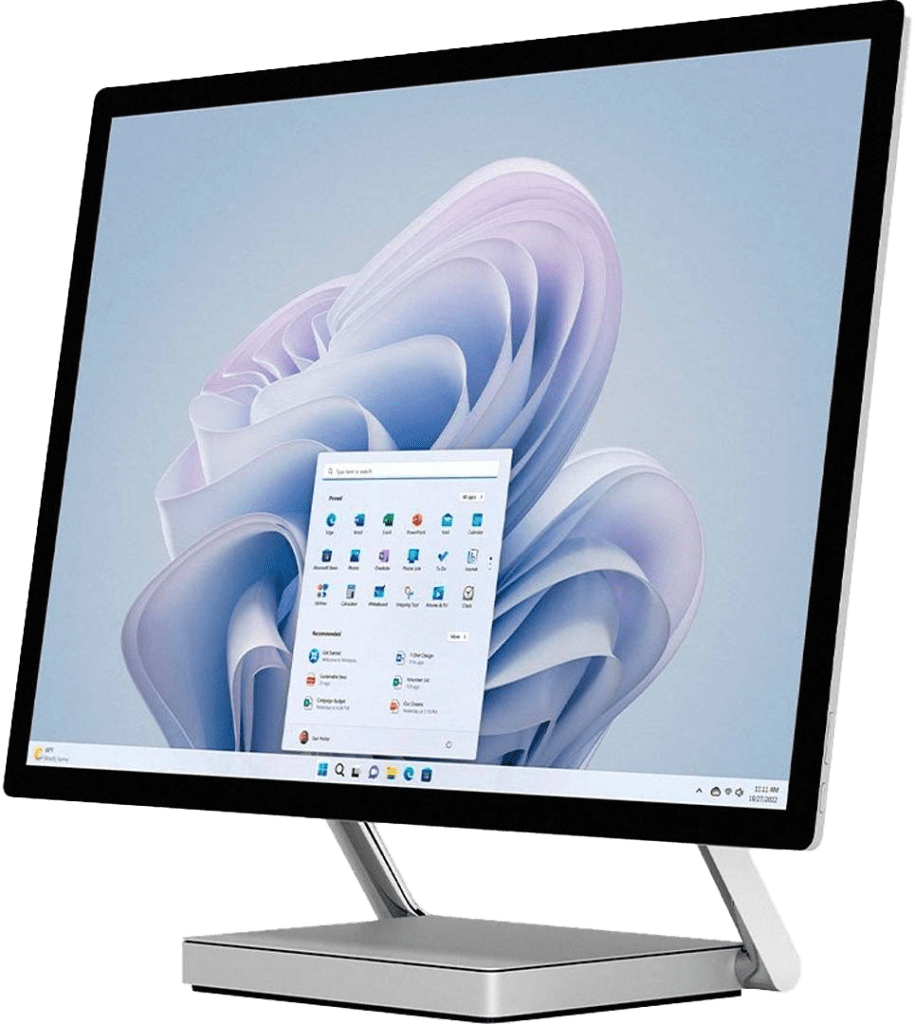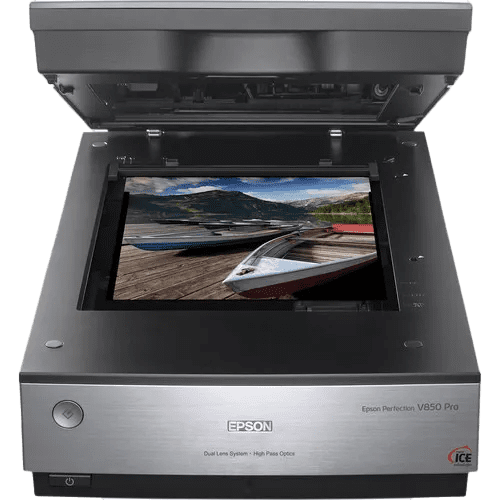
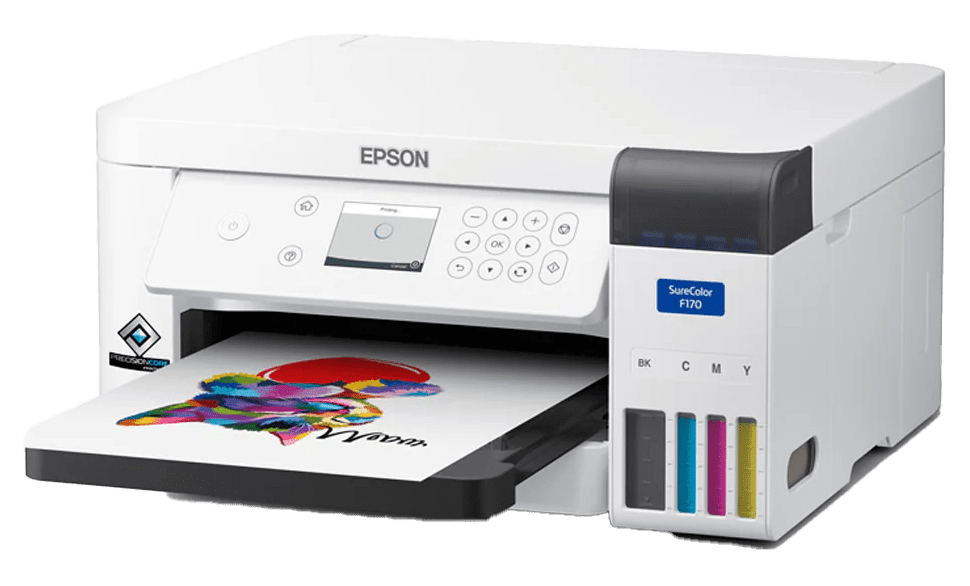
Create one-of-a-kind gifts, personalized apparel, and custom keepsakes. Our Sublimation Printer produces vibrant designs that can be transferred onto mugs, coasters, T-shirts, and more using our Heat Press.
Sublimation Printer
How to Use the
Sublimation Printer
1. Get Certified
To use the Sublimation Printer, you must complete a certification session. For more information, please contact:
Kelowna Downtown Branch
Phone: 250-762-2800 ext. 2841
Email: klreference@orl.bc.ca
Kelowna Rutland Branch
Phone: 250-765-8165
Email: rustaff@orl.bc.ca
Online certification is available for the Kelowna Rutland Makerspace: Sublimation Printer and Heat Press Certification
2. Fill Out this Form
Download the library’s Makerspace Waiver & Guidelines Form [PDF]. Complete the Maker Waiver form (page 1), agree to and follow the Makerspace Guidelines (page 2). Bring the completed form with you when you visit a Makerspace for the first time.
3. Book the Sublimation Printer
The Sublimation Printer can be reserved for up to 2 hours at a time.
Maker stations can be booked online two days in advance. For next day or same day bookings, please contact the branch.
What to bring
- Your library card and photo ID.
- Your own material, e.g., mug.
- A personal storage device to save your files to.
Further Resources
LinkedIn Learning for Libraries is available to all ORL library cardholders for learning video tutorials and self-guided online courses on design, creative technology and more.
Policies & Guidelines
When using an ORL Makerspace, please review and respect the following:
Makerspace Guidelines
Makerspace Safety Guide
Maker Responsibilities
Intellectual Property Guidelines
Independent use of Makerspace equipment requires a completed Makerspace Waiver, a valid library card, photo identification, and compliance with Makerspace policies and guidelines.
Don’t have a library card? Sign up for one today.