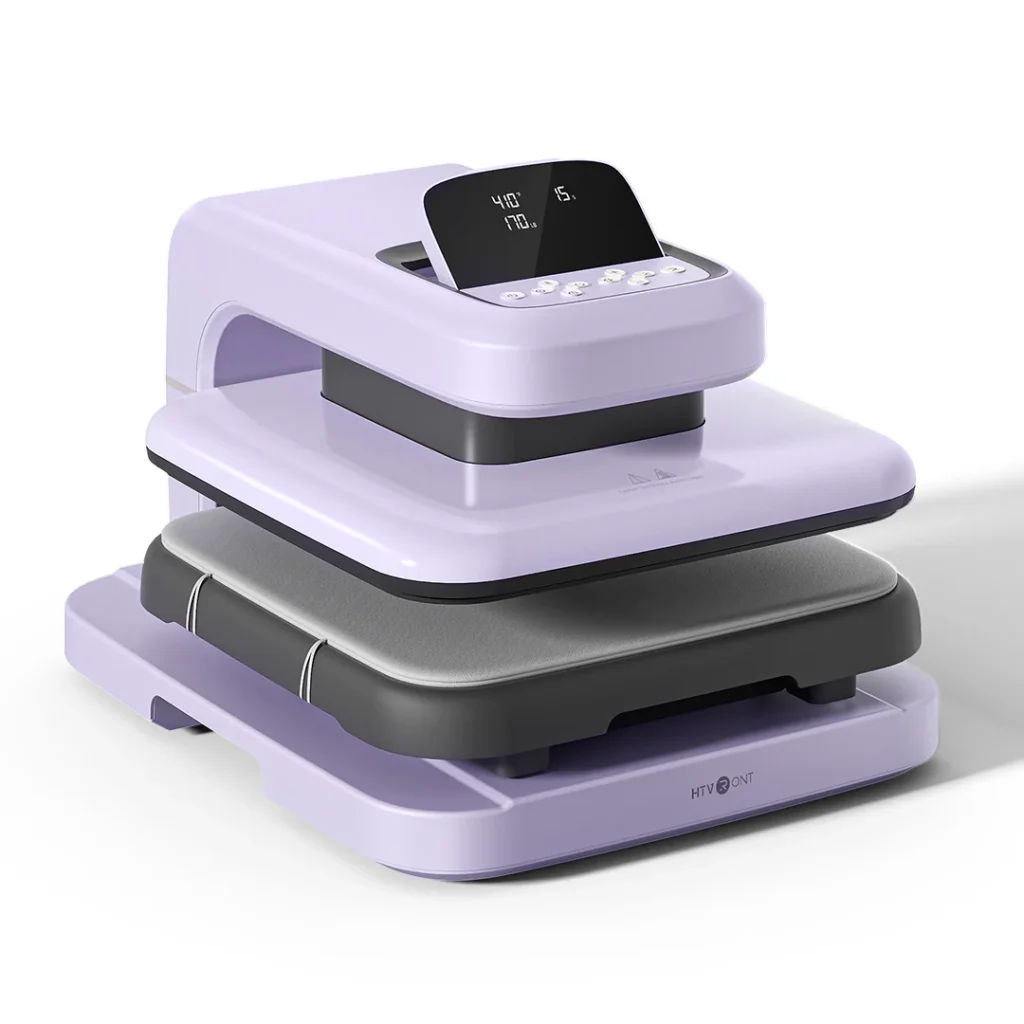
Have a creative design in mind? Use the HTVRONT Auto Heat Press to apply custom designs to items like T-shirts, tote bags, coasters, mugs, and hats. This tool uses heat and pressure to permanently transfer designs and images, making it ideal for personal projects, gifts, and small creative runs.
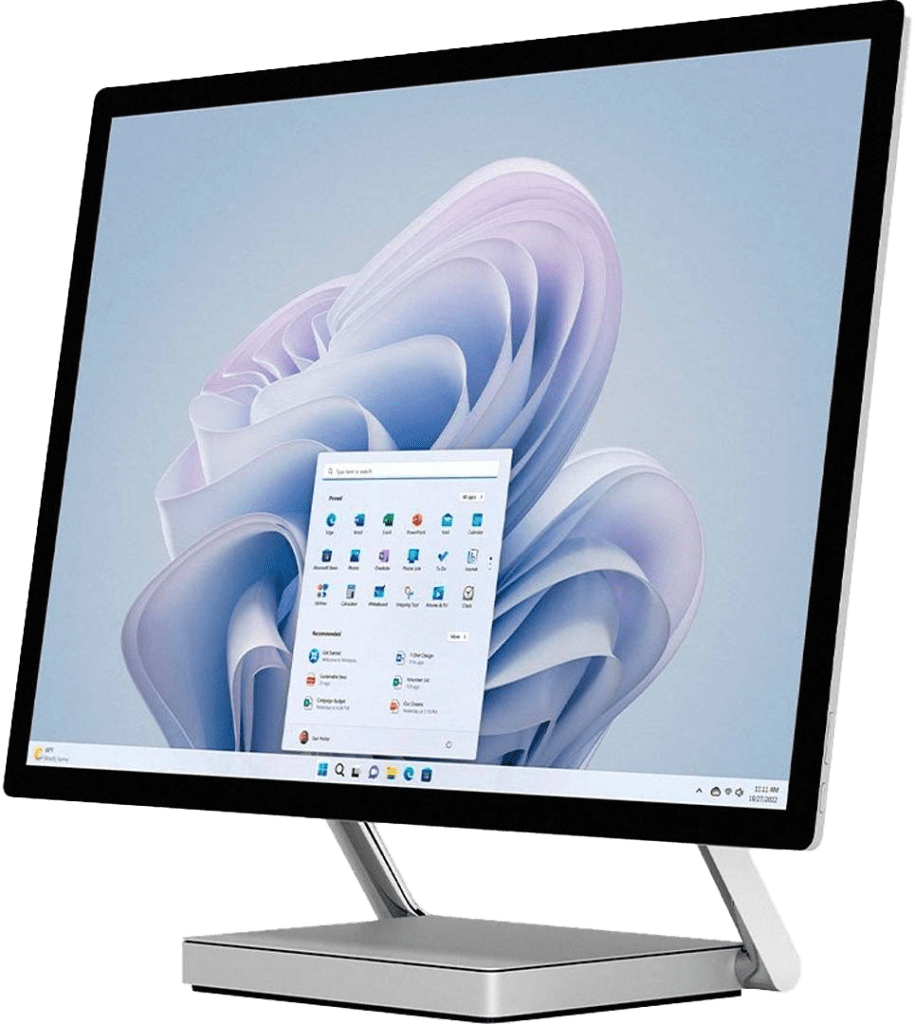
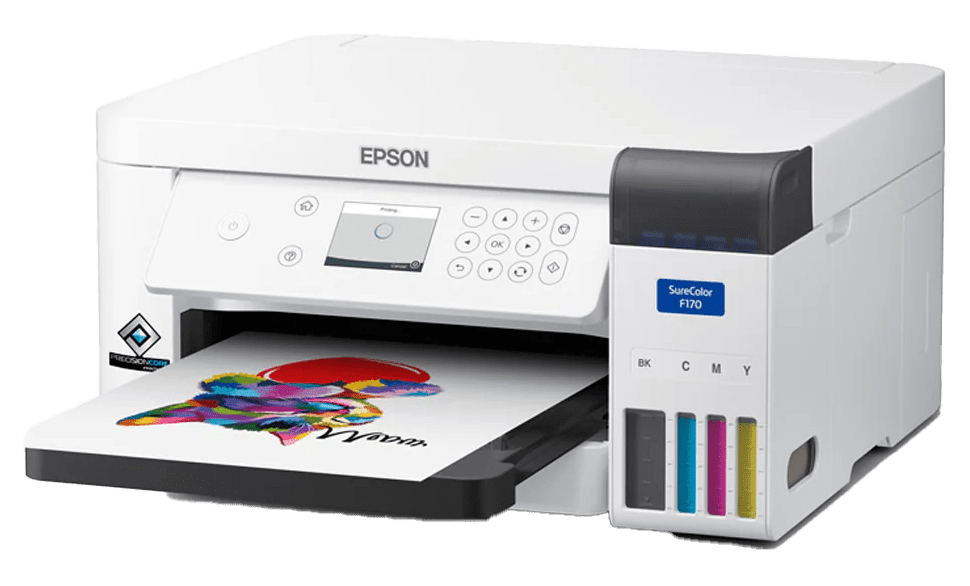
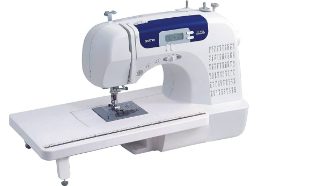
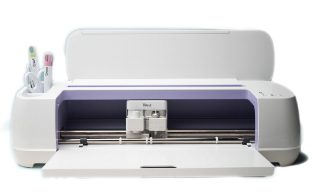
The Heat Press is often paired with other Makerspace tools, such as the Digital Media Creation Station Computer, Sublimation Printer, or Cricut. These stations must be booked separately.
The Heat Press can be reserved for up to two hours per session.
Getting Started
Get Certified
To use the Heat Press independently, you must complete a certification session.
Register for a Heat Press certification session at the Kelowna Downtown Library. During the workshop, you’ll learn how to prepare graphics for transfer, safely operate the Heat Press, and apply designs to your chosen materials. At the end of the session, you’ll complete a checklist confirming that you understand how to use the equipment safely.
To register or book a session, please contact the Kelowna Downtown Branch:
Phone: 250-762-2800 ext. 2841
Email: klreference@orl.bc.ca
Complete This Form
Download the Makerspace Waiver and Guidelines Form [PDF]. Complete the Maker Waiver (page 1) and agree to follow the Makerspace Guidelines (page 2). Please bring the completed form with you to your certification session.
Book the Heat Press
Browse and reserve Maker Stations on our online booking calendar, Spaces. You will be asked to create a Spaces account (and confirm your email address) to complete your first booking request.
Maker Stations can be booked online two days in advance. For next day or same day bookings, please phone the library to ask if there are openings.
What To Bring
1. Please bring your library card and photo ID.
2. Your own materials, such as a T-shirt, cloth bag, mug, or similar item.
3. Your design ready for transfer, such as:
– Heat transfer vinyl
– Sublimation prints
– Image on transfer paper
Heat Press Tutorials and Manuals
Watch official tutorial videos for the Heat Press:
How to Use HTVRONT Auto Heat Press
How to Use the HTVRONT Automatic Heat Press 2 – Digit | Easy Setup & Full Tutorial – YouTube
Review the official user manual:
User Manual of HTVRONT Auto Heat Press 2