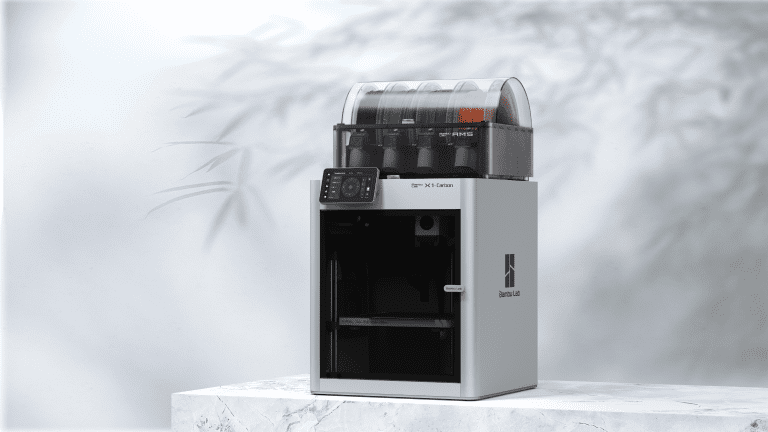
Bambu Lab X1C 3D Printer

Kelowna DowntownVernon

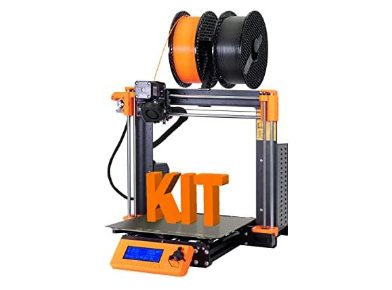
Create three-dimensional objects at the library using advanced 3D printing technology. This printer uses PLA, a corn-based, plastic-like material, and works from digital design files such as .STL and .OBJ, which are prepared for printing using slicing software. Designed for precision and versatility, it supports a wide range of creative and practical projects, from prototypes to detailed models.

Locations

The Bambu Lab X1C 3D Printer is available at the Kelowna Downtown and Vernon branches.

Printing Notes

Printing costs are $0.10 per gram of filament. The cost of the print will be charged to your library account, which can be paid online or at the library. You are allowed three attempts/fails at no cost.

Staff may cancel a print job for any of the following reasons:

  • the object goes against Makerspace Guidelines.
  • if the design has a high chance of failing to print.
  • the time needed for the print job goes over your booked time for the 3D printer
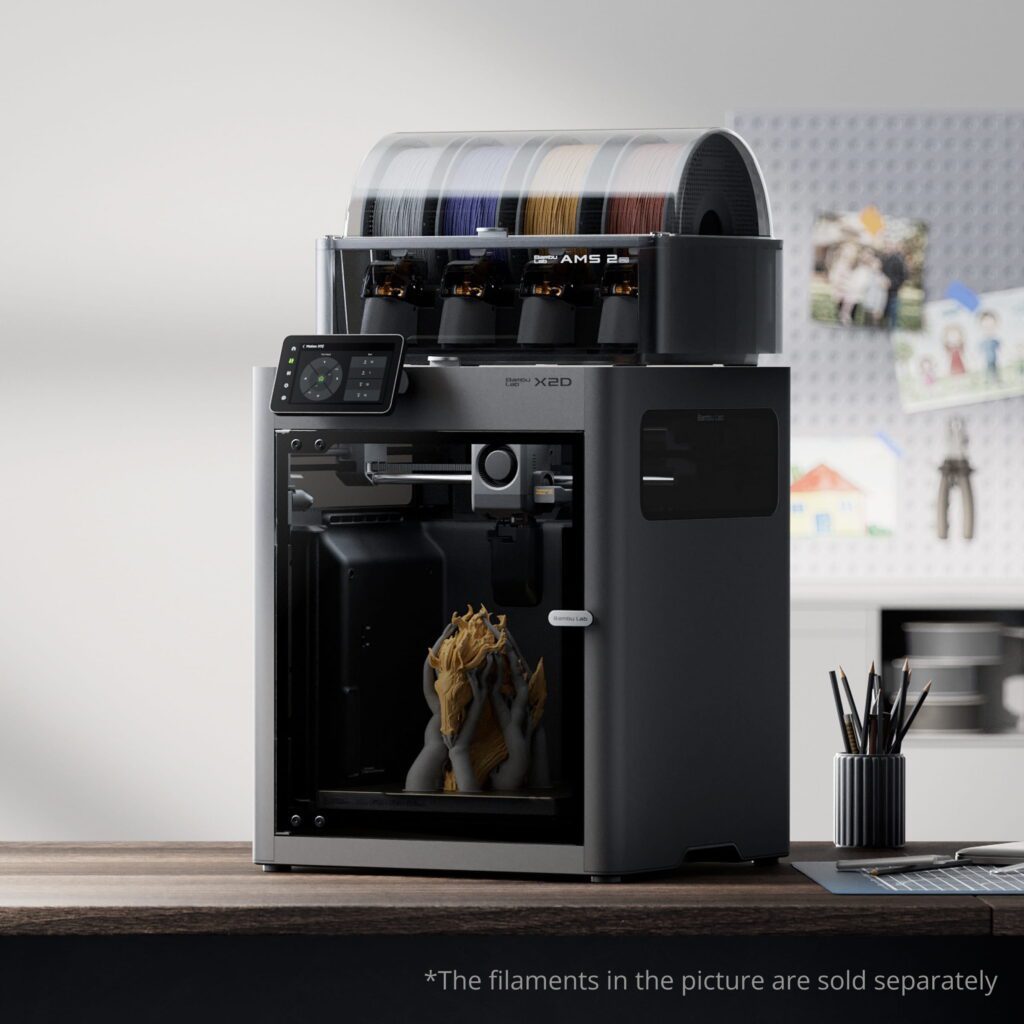
How to Use the

Bambu Lab X1C 3D Printer

Complete your certification online or at a library branch
Get Certified

To use the 3D printer by yourself, you need to complete a certification course.

Online

Online certification for the Bambu Labs printer is under development. Please contact the Kelowna Downtown or Vernon branch for certification information. 

At your library’s Makerspace

Check the events calendar to see when in-person 3D Printing programs are being offered or connect with your local Makerspace to set up a time to get certified.

Fill out this form

Download the Makerspace Waiver & Guidelines form [PDF]. Complete the Maker Waiver form (page 1), agree to and follow the Makerspace Guidelines (page 2).

Book a 3D Printer Station

Book Online: Browse and reserve maker stations on our online booking calendar, Spaces. You will be asked to create a Spaces account (and confirm your email address) to complete your first booking request.

Maker stations can be booked online two days in advance. For next day or same day bookings, please phone the library to ask if there are openings.

What to Bring
  1. Your library card and photo ID.
  2. Your own personal storage device (USB stick/thumb drive) to save your work. You can also use personal online storage.
Policies & Guidelines

When using an ORL Makerspace, please follow these rules [PDFs]:

To use an ORL Makerspace independently, all makers must:

  • Complete a Maker Waiver
  • Verify your identity to staff with valid library card and photo ID.

You’ll need a library card to use our maker tools. Get a card.

Other ORL Makerspaces