
Kanopy Streaming Films
With Kanopy, you can watch award-winning films, documentaries, and educational content from home using your ORL library card.
About Kanopy
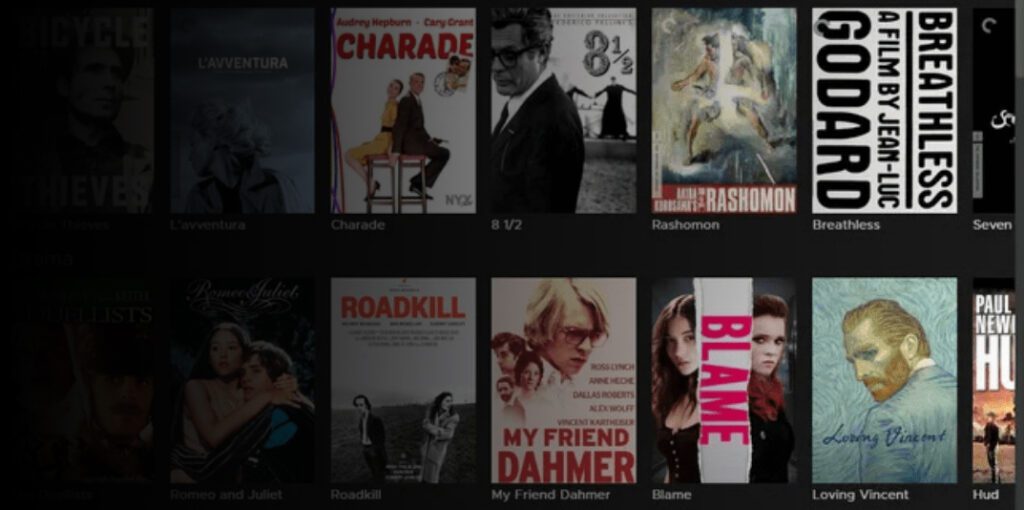
Kanopy is a streaming service available through the ORL that offers films, documentaries, world cinema, and lectures, including The Great Courses.
To watch videos, you’ll need to create a Kanopy account and connect it to your library card.
Monthly Tickets
Each month, you receive 20 tickets to use for streaming.
Most videos use between 1 and 5 tickets. Watching a full Great Courses series typically uses 5 tickets. Kanopy Kids content does not use tickets.
Watch on a Computer
Visit the Kanopy website and create or sign in to your account.
Add your library card by entering your barcode number and PIN, then create your account using your name, email, and password. Check your email to verify your account.
Once signed in, browse or search for a title and select Play to start watching.
Watch on a Phone or Tablet
Download the Kanopy app from your device’s app store.
To get started, open the app, find Okanagan Regional Library, and enter your library card number and PIN. Create your account and verify your email.
If you already have an account, sign in and select a video to begin watching.
Technical Requirements
Videos stream through your internet browser or the Kanopy app.
For the best experience, use an up-to-date browser such as Chrome, Firefox, Safari, or Edge, and a reliable internet connection.
Wi-Fi is recommended when streaming on mobile devices.
Finding Content
Browse or search to explore available films, series, and lectures.
Select a title to view details, including how many tickets it will use and how long you have to watch it. Many titles include trailers, which do not use tickets.
Reset Your Password
To reset your Kanopy password, visit the Kanopy website and follow the password reset process.
Help and Support
Visit the Kanopy Help page for assistance with your account or streaming issues.
You can also contact the ORL for support by calling 1-844-649-8127 or emailing help@orl.bc.ca. Include details about your device and any error messages to help staff assist you more quickly.